
Los Angeles Breaking News Footage, 1984–2019
Raw, unedited LA news footage from the streets of Los Angeles, shot overnight by news camera crews and available to license.
FootageWorks is an archive of more than 50,000 Los Angeles news stories, recorded on broadcast news cameras between 1984 and 2019. It began with the library of Citicopters News Service, founded by Jay Mitchell Steinbrecher (known on air as Jay Mitchell), and grew as FootageWorks acquired the archives of other Los Angeles news video services. These crews covered the city overnight and licensed their breaking news footage to local and national television stations, networks and news feeds. Every story began as breaking news, and the footage is raw and unedited: fires, police chases, crashes, rescues and crime scenes exactly as they unfolded, often captured by the first camera on scene, before police or firefighters arrived.
Producers, footage researchers, rights and clearance staff, documentary filmmakers, true-crime series, news programs and editors use FootageWorks to find authentic, caught-on-tape news footage of Los Angeles that cannot be recreated: 1980s and 1990s crime scenes, riots, earthquakes, disasters, fires and rescues, and the real emergency response behind the stories that made the news. Because emergency vehicles change from year to year, the archive is also a period-accurate source for the police cars, fire engines, ladder trucks, rescue ambulances and other apparatus of all 50 law enforcement and fire agencies in Los Angeles and Orange Counties, exactly as they looked in each era.
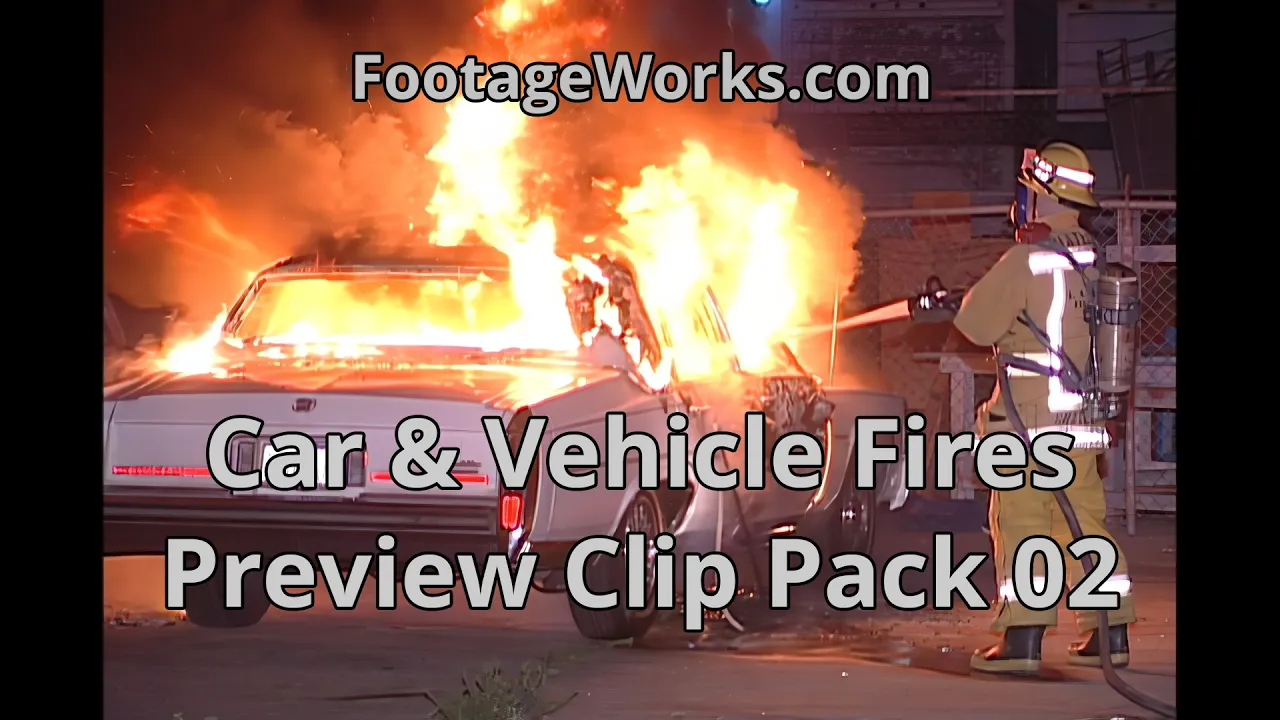
50,000+
Rights-Managed News Video Stories
500,000+
Stand-Alone Rights-Ready Video Clips
Browse Stand-Alone Stock Video Clips
FootageWorks has many Main Categories and Sub-categories of stock footage clips that will be soon made available to search, browse and preview. The below items are temporarily inactive links
Featured Stock Videos
Here, you will be able to preview some of the most famous and most-licensed news video stories from the FootageWorks archive, shot on the streets and in the skies of Los Angeles and used by major networks and production companies around the world.
Menendez Brothers Murder Jose and Kitty Menendez
Menendez Brothers Murder Their Parents in August 1989.
Watch the Crime Scene Video of the Menendez Brothers Parents Murders. See the covered bodies of Jose and Kitty Menendez being rolled out of the Menendez home and being loaded into the LA Coroner’s Van.
Rights Managed
The Murder of Notorious BIG / Aka Biggie Smalls
Notorious BIG was murdered at the Peterson Auto Museum in March 1997.
Part 1 of 2 Videos
Part 1 Crime Scene Video of the murder of the Notorious BIG / aka Biggie Smalls as he was leaving the Peterson Auto Museum in Los Angeles.
Rights Managed
The Murder of Notorious BIG / Aka Biggie Smalls
Notorious BIG was murdered at the Peterson Auto Museum in March 1997.
Part 2 of 2 Videos
Part 2 Crime Scene Video of the murder of the Notorious BIG / aka Biggie Smalls as he was leaving the Peterson Auto Museum in Los Angeles..
Rights Managed
How it works
Every story has its own FootageWorks Story ID, such as D111-17. Search or browse by category, watch a watermarked preview, then license the full-resolution footage. Many stories are also available as short stock footage clips. Questions about a specific event, date or location? Contact us; the archive is fully logged and we can search it for you.
Select Stock Footage
| Clip # | Name | In | Out | Duration | Est. |
|---|
Timecode: 29.97 DF fps. Happy Searching! — final price is set by the server at checkout.
How to select a clip
- Play the video and find where you want your clip to start.
- Click Set In.
- Keep playing to where you want the clip to end.
- Click Set Out. The video pauses there so you can see the last frame.
- Use Jump to In or Jump to Out to go back to either point at any time.
- Use the Trim buttons to fine-tune the In or Out point by one frame (f) or one second (s).
- Click Preview range to watch just your selection.
- Check the clip name, or type your own.
- Click Add to clip list. Repeat to add more clips from the same video.
- When your list is ready, click Add clips to cart (or Send clip request). Copy list copies the names and timecodes.
Keyboard shortcuts (with the mouse over the video or this panel, not while typing a name):
- L play; press again for 2x, then 4x (if the video allows)
- K pause
- J step backwards (about 0.1 s at a time; YouTube cannot play in reverse)
- I Set In O Set Out (pauses on the Out frame)
- Shift+I Jump to In Shift+O Jump to Out
- ← / → one frame back / forward (moves the In or Out point you just set, otherwise the video)
- Ctrl+← / Ctrl+→ one second back / forward
The price shown here is an estimate. The final price is confirmed in the cart.
Times are shown as timecode: hours:minutes:seconds:frames (for example 00:01:15;12 is 1 minute, 15 seconds and 12 frames). A semicolon before the frames means drop-frame timecode, used for 29.97 fps video.